AI interior design from a photo of your room
Upload a photo of your kitchen, bathroom, living room or bedroom, pick a style, and see your own room redesigned in about a minute.
- Ready in about a minute
- Keeps your room's shape
- Free to try, no sign-up
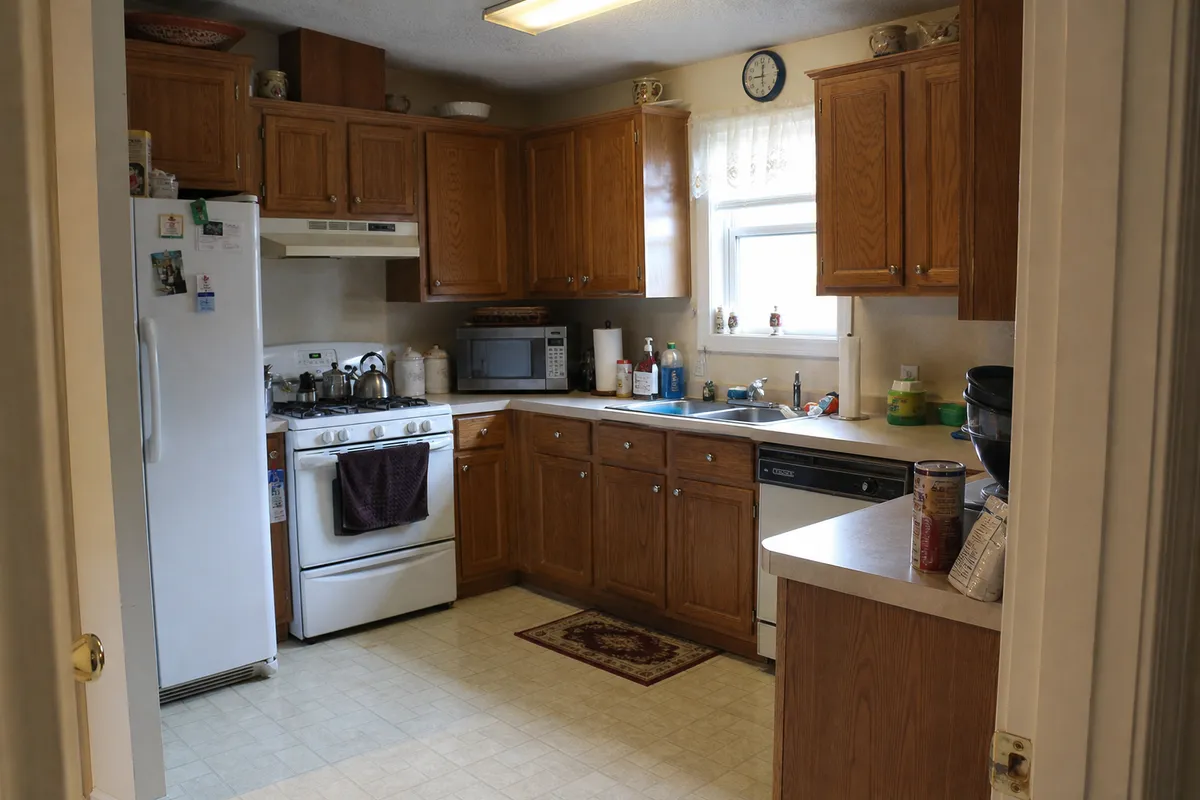
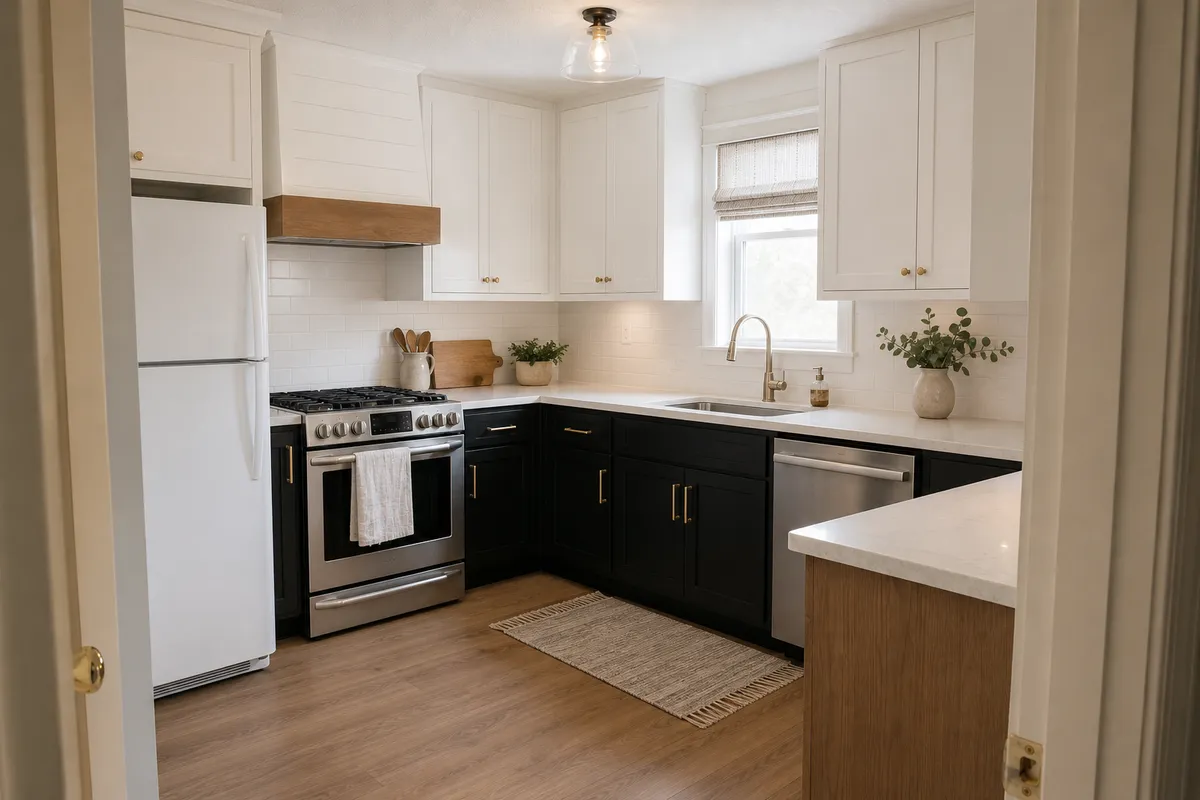 BeforeAfter
Free: 2 redesigns a day, 1 watermarked version each. 1 credit = 4 HD versions, no watermark.
Also inside your AI chat:ClaudeChatGPT (coming soon)
More before and after
Same photo, same camera angle, new look.
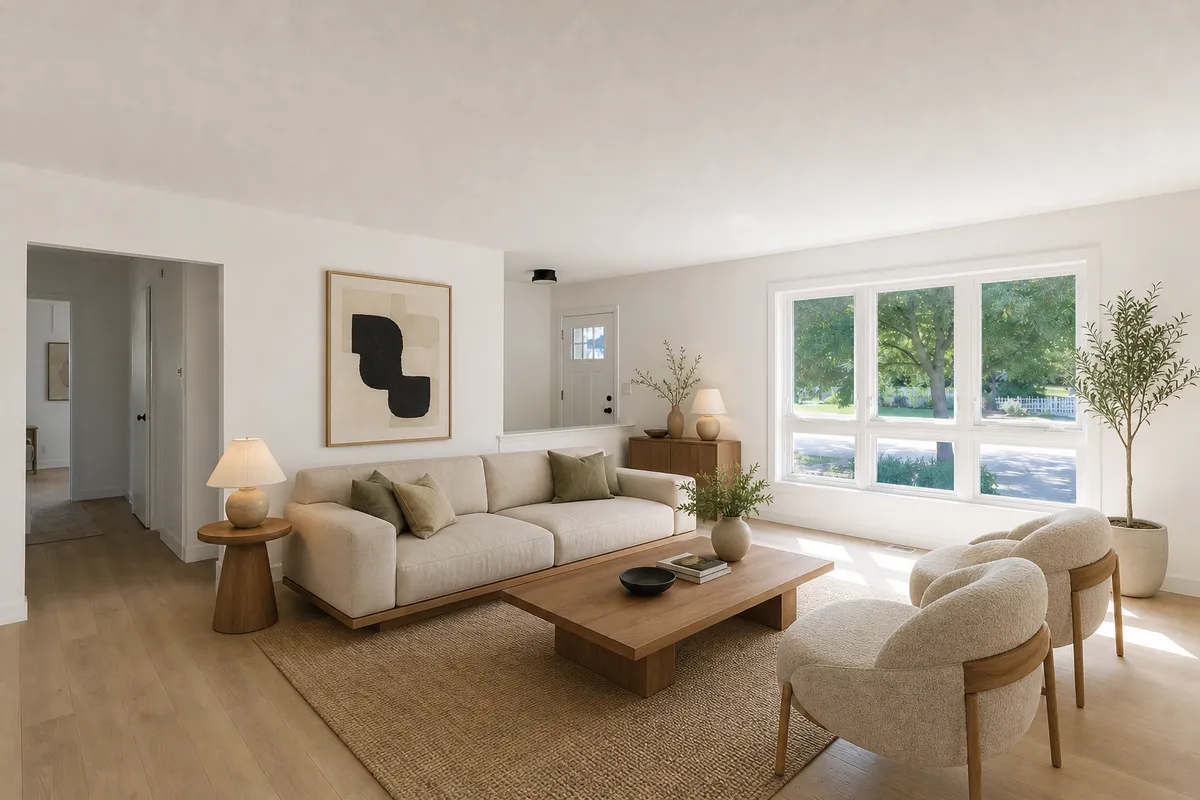 BeforeAfter
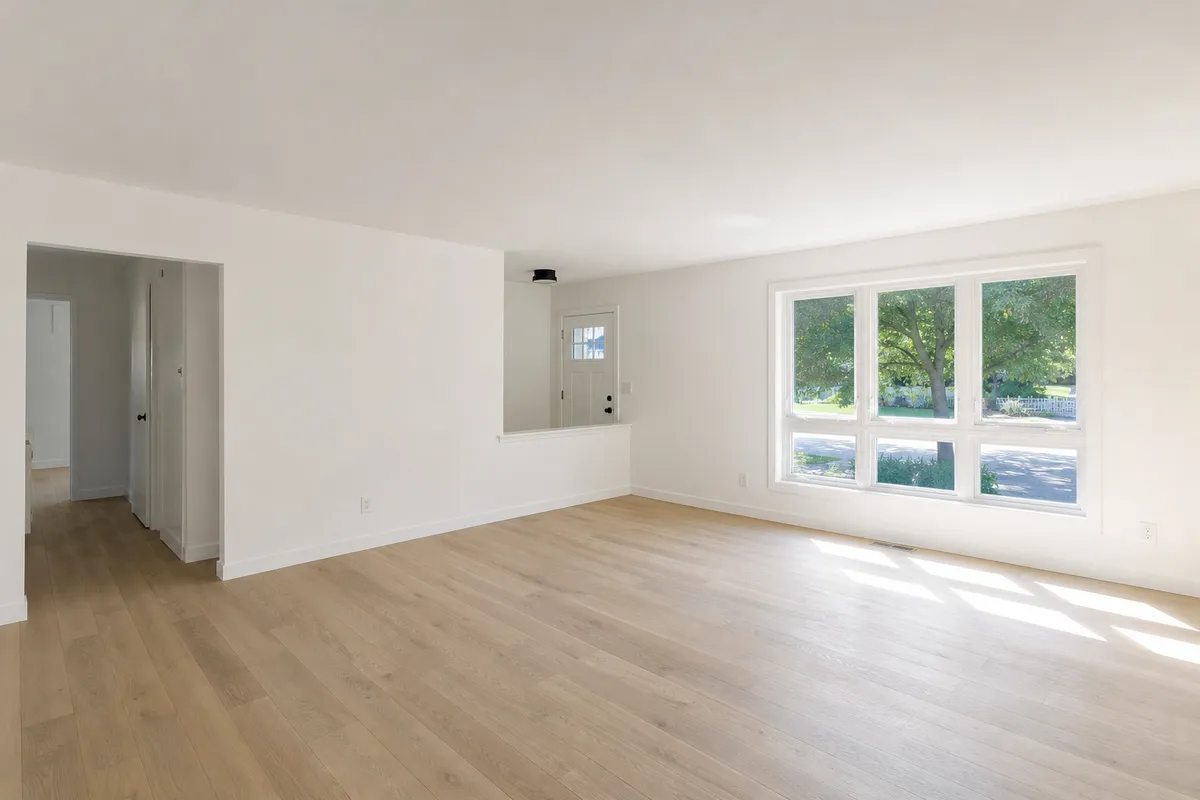
Empty room, furnished · Japandi. Examples: the before photos are AI-generated samples, redesigned with this tool. Conceptual visualization - not a construction plan.
What people use it for
Before a remodel
See a new kitchen or bathroom in your actual room before you call a contractor.
Pick a style
Try modern, Scandinavian, Japandi, farmhouse or coastal on the same photo and compare.
Refresh on a budget
Keep the layout and see what new paint, lighting and furniture would do.
How it works
- 1
Take a photo
A room, the front of your house or your backyard. Your phone camera is fine.
- 2
Pick a style
Modern, Scandinavian, Japandi, Spanish and more, plus what should change: a refresh, a remodel, new paint, a patio.
- 3
Get your redesign
The same space in the new look in about a minute, with a before / after slider. 1 credit makes 4 HD versions.
- 4
Make it real
Thinking bigger? Check what your California lot allows with the free ADU lot check, design one in the ADU designer, or ask for a free build consult.
Inside ChatGPT and Claude
The same redesign tools work in your AI chat: send a photo, say what you want, and get the redesign back in the conversation. Add LotUpside once as a connector.
Claude
- Open Settings, then Connectors.
- Choose Add custom connector.
- Paste the connector URL and save. Then ask Claude to redesign your photo.
ChatGPT
Coming soon in the ChatGPT app directory.
LotUpside Home Design (text only)
A lighter connector for planning in chat: a written design direction for any room, the front of your house or your yard (colors, materials, furniture, lighting, planting), a link to see it on your own photo here, a backyard ADU with an estimated build cost and rent for your ZIP, and the California lot check. It makes no pictures in the chat. Connector URL:
https://lotupside.com/api/mcp/lite
Every figure is an estimate; a licensed designer and the city confirm what can be built.
Pricing
Start free. Pay once if you want more: about 19 cents per HD image. No subscription.
Design Pack
$19
- 25 credits, paid once
- 1 credit = 4 HD versions
- No watermark, HD download
What's in the box
25 credits buy any mix of:
- 100 HD redesign versions, or
- 25 ADU designs (pictures, design brief and lot sketch)
One-time payment, no subscription. Every picture is a conceptual visualization.
More design tools for your home
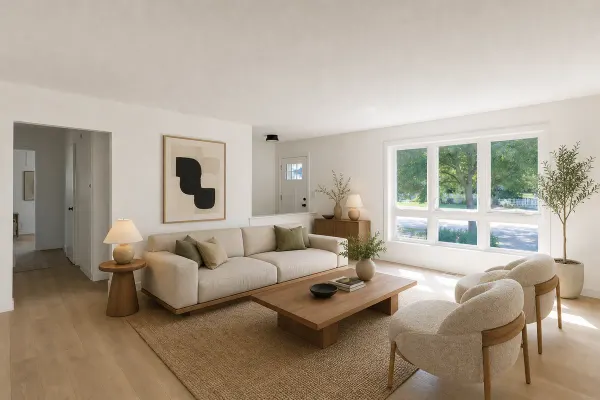 Virtual stagingOpen the tool →
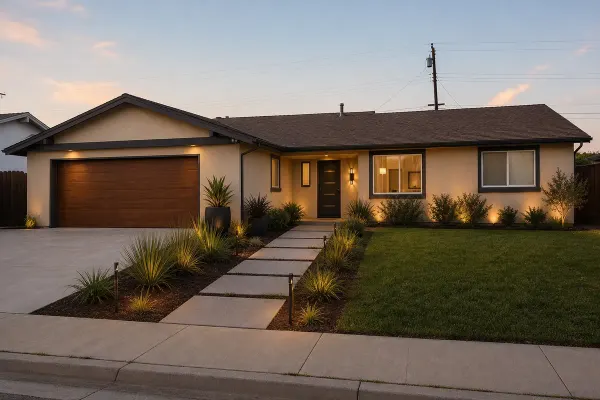 Exterior and curb appealOpen the tool →
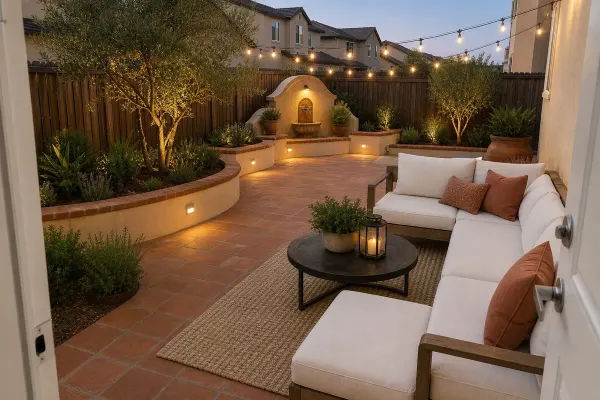 Landscape and backyard designOpen the tool →
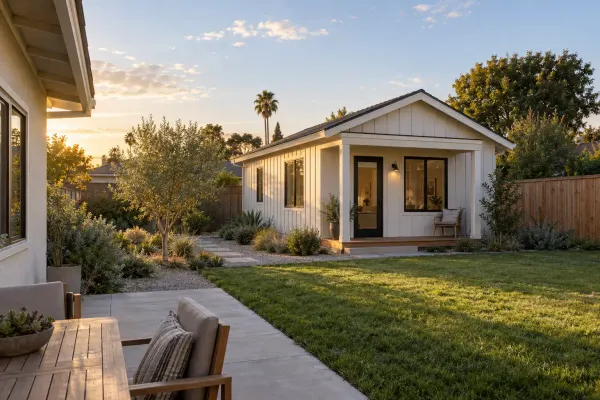 ADU designerOpen the tool →
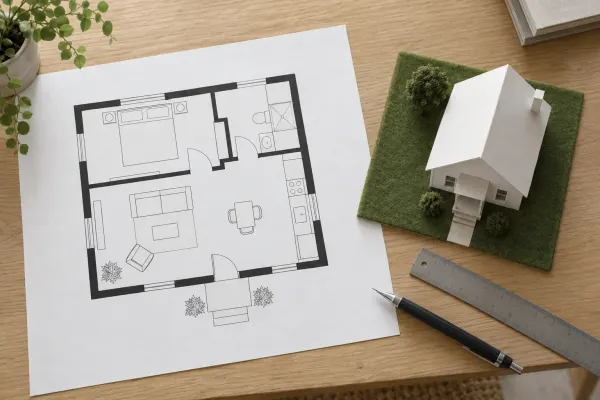 Floor plan makerOpen the tool →
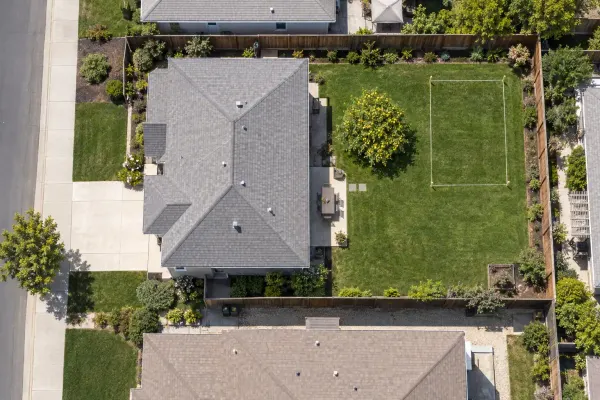 ADU lot checkCaliforniaOpen the tool →
Pictures are conceptual visualizations. Photo examples start from AI-generated sample photos.
Questions
Does it keep my room's layout?
Yes. The tool keeps the camera angle, walls, windows and doors, and changes finishes, furniture, color and lighting, so you see your own room in the new look.
Which rooms work?
Kitchens, bathrooms, living rooms, bedrooms, dining rooms, home offices, kids rooms and laundry rooms.
What happens to my photo?
We remove the location and camera data from your photo before storing it. Your photo and its redesigns open only from your private link, and both are deleted after 30 days. The photo is sent to an AI image model to make the redesign.
Is this a construction plan?
No. Every redesign is a concept picture made by an AI image model: Conceptual visualization - not a construction plan. Use it to choose a direction, then have a licensed professional design the real thing.
Who designs and builds it?
Licensed partner designers and builders design and build; we manage the project. For a backyard ADU, start with the free lot check or ask for a free build consult.
What does it cost?
Trying it is free: 2 redesigns a day, 1 watermarked version each. 1 credit makes 4 HD versions without the watermark. A Design Pack is 25 credits for $19, paid once, with no subscription.
What photos work best?
A bright, level photo of the whole room, the front of the house or the yard, taken from a corner or the street. Photos without people work best.